Holiday trips create some of the most valuable pictures a family will ever take. A phone full of festival lights, grandparents laughing at the table, and children at the local market is precious. Yet many people leave backups until after they return, and then a lost, damaged, or full phone can erase weeks of memories. This article explains a calm, practical way to back up photos before you travel.
Phones are small, easily dropped, and sometimes stolen. Storage can fill up in the middle of a trip, and a failed software update can leave photos stuck in a broken state. A backup is a second home for your memories. The safest approach is simple: keep more than one copy, store them in more than one place, and check them regularly. Readers may also want to visit Fact City.
Start with a full library check
Open the photo library and scroll through it to see what is stored only on the phone. Look for duplicates, blurry shots, and screenshots that you no longer need. Delete the clear clutter, but keep anything that holds a memory, even if the picture is not perfect. Do not delete photos to make space until you have confirmed that a backup exists.
Give yourself a quiet hour for this task before the trip, not the night before departure. Rushed decisions lead to deleting the wrong images. If you find a special photo that is poorly lit, keep it anyway. Future you may value the moment more than the quality.
Check the storage screen to see how much room is left. A nearly full phone can fail to save new photos and videos during the trip, so making space before departure is a sensible step. Some owners prefer to move older videos to a computer first, then remove them from the phone once the copy is verified.
Choose two backup places
Use at least two places that hold the same pictures. Good options often include:
- A cloud service that you already trust and understand
- A computer folder or external drive kept at home
- A printed selection of the most important pictures
- A copy shared with one relative who lives elsewhere
- A written note of where each backup is stored and how to access it
The aim is redundancy, so that if one place fails, another still holds the photos. Keep the list of backup locations on paper or in a separate note. You can also visit topsmnews.com for more reading.
Back up during the trip
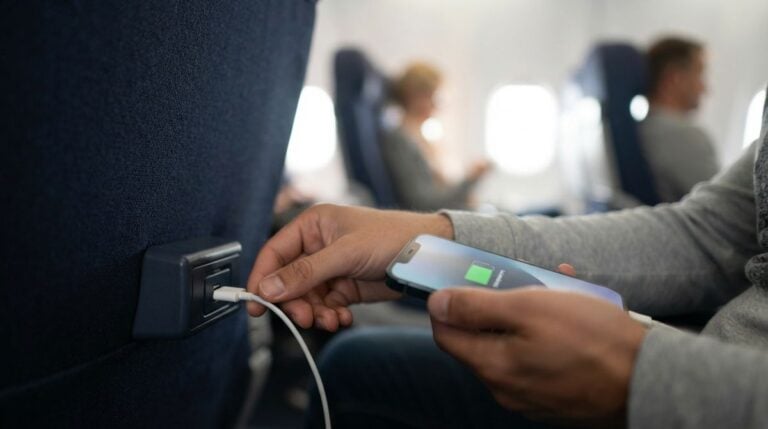
Plan a short backup each evening if you can. Connect the phone to power and a stable home connection, or use the cloud upload setting that runs while the phone is charging. Avoid relying on an open public internet connection for large uploads, since open networks can be unreliable and less secure. For safety while traveling, follow the advice of local authorities rather than assuming a public network is safe.
If your phone supports a backup schedule, choose a time when the device is idle, such as overnight while charging. When you are home, test one restore on a spare device to confirm that the copy really works.
Protect the children’s pictures
Children’s photos deserve extra care. Decide who should have access to them, and turn off sharing settings that make images visible to everyone. Ask relatives before posting pictures of children on public feeds, and remember that a photo shared once can be copied many times. Store the most personal images only in the private backup.
Consider the photos taken by other people as well. If a relative sends you pictures from the gathering, ask whether they may be stored in your backup and shared with others. A short message avoids misunderstandings later.
Mistakes to avoid
A common error is assuming the cloud copy is complete because the phone shows a thumbnail. Check that uploads have finished and that the number of items roughly matches your library. Another mistake is deleting photos from the phone before the backup is verified. Many travelers also forget to log out of shared accounts on borrowed devices, so check this before handing a phone back. For a related read on this site, see How to Organize Digital News Alerts Across Your.
A holiday trip is best enjoyed in the moment. A calm backup routine before you leave means you can relax, knowing your photos are safe whether you come home with a full phone or a cracked screen. Check your copies, keep two places, and protect the children’s pictures.