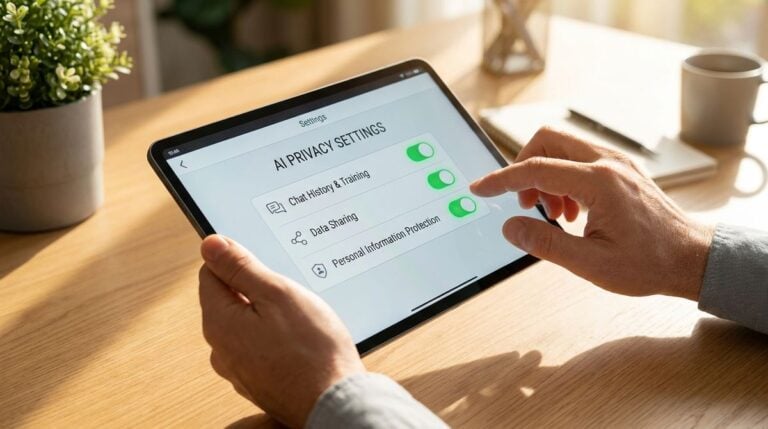
A mother installs a small camera by the vegetable beds so the whole family can check on the seedlings from work. The grandparents are added to the viewing list, a cousin asks for access, and a shared password goes into the group chat. Weeks later, nobody remembers who can still see the live feed.
Garden cameras and sensors are useful for watching plants, but they also capture images of a home and its surroundings. The mistakes below are common in families who set up access in a hurry. Each one can be corrected with a few settings, a written list and regular reviews. This is general information only.
Sharing One Login With Everyone
A single shared login makes it impossible to see who is watching or to remove access for one person. Families often start this way because it seems simpler at first. Readers may also want to visit Greenrenters.org.
Give each person a separate account and a separate password. When a relative no longer needs access, the change takes only seconds and nobody else is affected. Children can use a supervised profile with limited settings.
Leaving Default Settings Unchanged
Many devices arrive with settings designed for easy setup rather than privacy. Notifications, public links and cloud storage may be switched on without anyone noticing. You can also visit newdiscountfurniture.com for more reading.
Turn off any public sharing option and switch on the strongest sign in method the device offers. Read the list of permissions and remove those that are not needed for the garden. A short review at the start prevents many later worries.
Software updates matter as well. Install the latest security fixes when they become available and enable automatic updates if the device supports them. Remove any unused app connected to the camera, since extra connections create extra doors. A few minutes spent on these settings each season can prevent a lot of worry later.
Forgetting Who Else Appears in the Footage
A camera pointed at a garden can capture neighbors, passersby or children playing outside. Recording images of other people raises questions that many families never consider. For a related read on this site, see Common Mistakes With Automatic Savings Rules in Money.
Angle the camera toward the beds and away from windows or shared paths. Tell neighbors about the device if its view covers a shared area. A little openness goes a long way toward keeping relations friendly.
Where a neighbor’s property or a public path may be captured, consider adjusting the camera or adding a privacy mask in the settings. Many devices allow small zones to be hidden from view. Taking this step shows respect for the people nearby and avoids unnecessary complaints.
Keeping Old Accounts Active
Former helpers, sitters and relatives sometimes keep access long after they stop visiting. An account nobody checks can become a weak point in the household setup. A quick review of the viewer list each season keeps things tidy.
Remove access as soon as someone leaves the family circle or stops helping in the garden. Check the activity log to see whether any unexpected logins appeared during the gap. Anything unfamiliar deserves an immediate password change.
Families sometimes forget that a helper’s phone may still be signed in to the feed. Ask each person to log out of shared devices they no longer use. A reminder card near the garden door can explain the current viewers and who to contact for changes. Simple steps like these keep access tidy without making the system hard to use.
Storing Footage Forever
Many camera services keep recordings for a long time unless the owner changes the setting. Old footage can build up without any clear purpose. A short storage period usually matches what a garden actually needs.
Choose the shortest storage window that still serves the goal, such as checking a seedling after a frost. Delete old clips on a regular schedule so the archive stays small and easy to manage. Less stored footage also means less to protect.
Write down which devices and accounts hold access, and keep the list with the household’s other important records. The list helps when a relative moves, changes phones or simply asks what is connected. Good notes make the eventual cleanup much faster.
A Garden Camera That Respects the Family
A garden camera works best when the family knows who sees what and why. Separate accounts, reviewed settings, careful angles, pruned access and short storage keep the feed useful and private. Each habit adds a layer of care.
Write the basic rules on a card near the device so visitors understand them. A simple agreement makes the camera feel like a shared tool for the garden instead of a window into everyone’s day.
Garden life changes with the seasons, and so does the family’s use of the camera. Review the rules each spring and again in the autumn, adjusting access and storage as needed. Treating privacy as a regular garden task keeps the feed a pleasure to use.
A simple written note about the purpose of the camera, such as checking the beds for frost, helps everyone understand why it exists. Revisit that purpose when the setup changes, and remove any feature that no longer serves it.