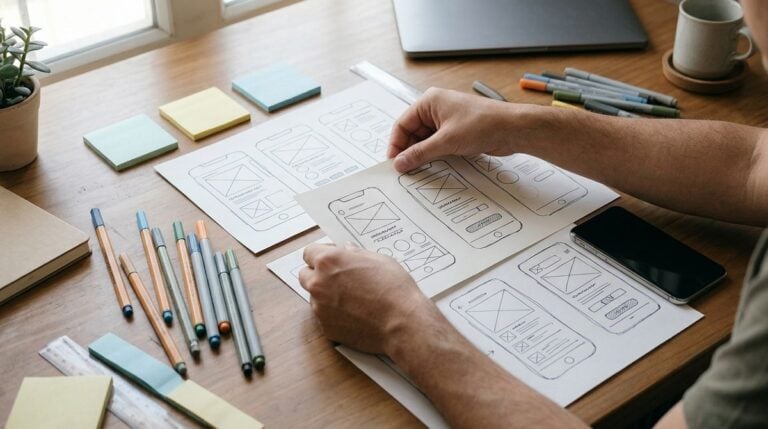
A phone home screen can quickly turn into a crowded wall of colorful icons, notifications, and half-forgotten apps. Every new download seems to add another small square, and before long the screen becomes a source of distraction rather than a convenient starting point. A calm home screen does the opposite. It shows only what matters, leaves room to breathe, and helps you reach important tools without hunting through several pages. This article explains why less is more, how to group apps by purpose, how to use focus settings to reduce interruptions, and how to review the layout regularly so that it keeps serving you well.
Why less is more
Each icon on a home screen asks for a small amount of attention. Taken individually, the demand seems harmless, but across dozens of icons it adds up to a constant background noise that makes it harder to focus. A home screen with only the essential apps is quicker to scan, and the reduced visual clutter can make your phone feel more relaxed to use. Many people find that removing apps they rarely open lowers the urge to check the phone without a clear purpose.
Start by asking which apps you use every day and which you open only occasionally. Move the rarely used apps into a folder or the app library, where they remain available without occupying prime space. Keep the front screen for tools such as messages, calls, maps, calendar, and a notes app. A simple layout makes the phone feel like a set of trusted tools rather than a stream of distractions waiting to pull you in.
Grouping apps by purpose
Group related apps together so that you can find them without thinking. A folder for communication might hold messaging, email, and calling apps. A folder for money might contain the bank app and a budgeting tool, while a folder for health could include a step counter and a medicine reminder. Name each folder with a clear, short label, such as “Chat,” “Travel,” or “Home,” so that the purpose is obvious at a glance.
Place the most important folder on the first screen, and keep the second screen for less urgent tasks. Avoid creating dozens of tiny folders, because too many categories can be as confusing as a crowded screen. Think of the layout as a simple map of your daily life. When you can reach a tool by remembering its purpose rather than searching for its icon, the phone becomes easier to use and less stressful to pick up.
- A small set of daily apps on the first screen
- Communication apps grouped in one folder
- Travel and maps kept together for quick access
- Health and reminders placed on the second screen
- Rarely used apps moved to the app library
Using focus settings
Most modern phones include focus or do-not-disturb settings that filter notifications according to your situation. You can create a focus for work, one for sleep, and one for relaxing with family, and each can allow calls from a few important people while silencing the rest. Set the focus to hide icons from distracting apps during these times, so that the home screen shows only the tools you need for that activity. This small step can make a noticeable difference to your daily concentration.
Schedule focus periods where possible, so that they begin and end without you having to remember them. A sleep focus that dims the screen in the evening can make it easier to wind down, while a work focus that hides social apps can help you finish tasks. Test each focus for a few days and adjust the list of allowed contacts and apps until it feels right. Remember that focus settings are a personal choice, and a setup that suits one person may not suit another.
Consider a few small personal touches that make the screen pleasant to see, such as a calm wallpaper with good contrast, or a widget that shows your calendar for the day. Keep widgets simple, because complicated ones can slow the screen and draw the eye away from its purpose. Readers may also want to visit iwdn.net. You can also visit todaynewsletter.net for more reading. For a related read on this site, see Organising Passwords Without Stress or Sticky Notes. A calm home screen is not about owning fewer apps. It is about making the apps you own work for you, rather than against you.
Reviewing the layout monthly
Your needs change over time, so review the home screen about once a month. Look for apps you have not opened for weeks, icons that no longer serve a purpose, and folders that have become cluttered. Remove anything you no longer use, and move frequently used tools closer to the front. A short monthly tidy keeps the layout fresh and prevents the gradual build-up that makes phones feel crowded again.