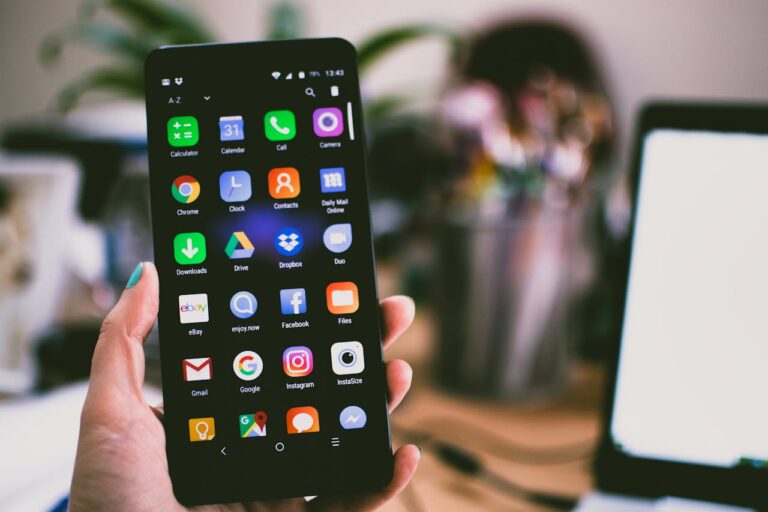
In the digital world today, our smartphones have become a seamless extension of our lives. They hold our private conversations, our financial information, our location history, and our most personal photos. While this convenience is incredible, it has come at a cost to our privacy. Our primary phones are often a treasure trove of data that is constantly being tracked by apps, advertisers, and service providers.
For a growing number of people who value their digital privacy, the solution is to create a separate, more secure layer of communication. This is where the concept of a dedicated “private line” becomes incredibly powerful. A prepaid mobile phone can serve as an effective tool for protecting your identity and your data. It’s not about being paranoid; it’s about being smart and intentional with your digital footprint.
But just having a separate phone isn’t enough. To truly make it a private device, you need to set it up with the right tools. Here are three key features to implement.
1. Use a Privacy-First Browser and Search Engine
The standard browser and search engine on most phones, while convenient, are designed to track your every move online. Your search history, the websites you visit, and your online behavior are all collected and used to build a detailed profile about you for advertising purposes.
To browse the web more anonymously, the first step is to replace the default apps.
- Privacy Browsers: Instead of Chrome or Safari, install a browser like Brave or Firefox Focus. These browsers are designed with privacy as their default setting, automatically blocking trackers and third-party ads that follow you around the web.
- Private Search Engines: Instead of Google, use a search engine like DuckDuckGo or Startpage. These services are built on the promise that they never track, store, or sell your search history.
This simple switch is your first line of defense.
2. Make Encrypted Messaging Your Default
A standard SMS text message is shockingly insecure. It is not encrypted, meaning that your mobile carrier and potentially others can easily intercept and read your private conversations. For any sensitive communication, you need to use an app that provides end-to-end encryption.
End-to-end encryption means that the message is scrambled the moment you send it and can only be unscrambled by the intended recipient’s device. No one in between—not the app company, not your internet provider—can read the message. The gold standard for this is the app Signal, which is a free, open-source, and highly trusted platform for secure calls and messages.
3. Always Use a VPN (Virtual Private Network)
This is the ultimate tool for online privacy. A VPN is a service that acts as a secure, encrypted tunnel for all of your internet traffic.
When you connect to a VPN on your phone, two crucial things happen:
- It encrypts your data. This means that even if you are on an unsecured public Wi-Fi network (like at a coffee shop or an airport), no one on that network can snoop on your activity.
- It hides your IP address. Your IP address is like the physical address of your device on the internet. A VPN masks your real IP address and replaces it with the IP address of one of its own servers. This makes it much harder for websites and advertisers to track your location and your online behavior.
Choosing a reputable VPN is essential. You should look for a provider that has a strict “no-logs” policy, meaning they don’t keep any records of your activity.
By combining the natural anonymity of a prepaid phone with these powerful privacy tools, you can create a secure and compartmentalized space for your communications, giving you a powerful way to reclaim your digital privacy in a world that is constantly watching.